By aisle and by store
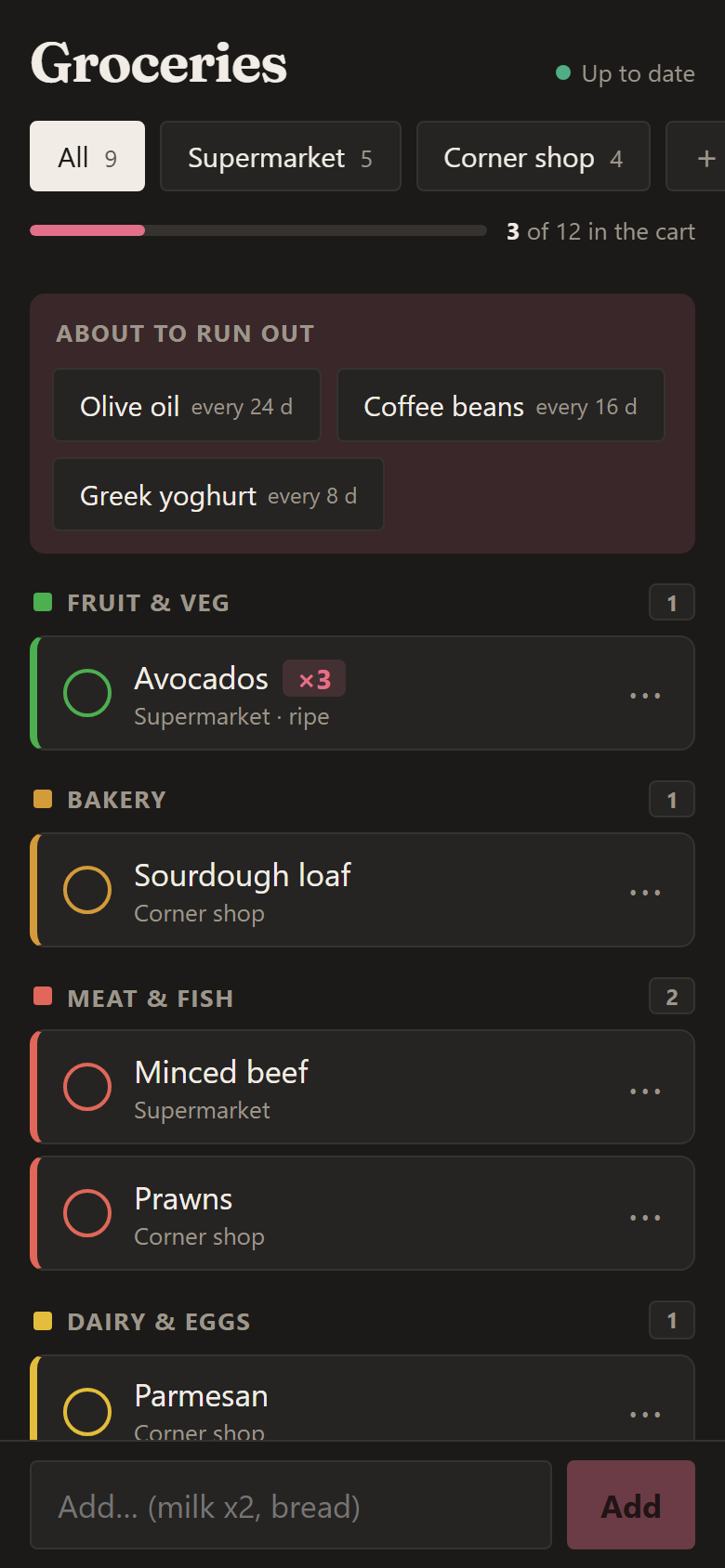
The list sorts itself in the order you walk the supermarket. Add your own stores, each with its tab.
 Grocery list
Free · open source · self-hosted
One list shared by everyone at home, sorted in the order you walk each supermarket. Tick things off with one thumb, keep going with no signal, and see what you spend and what's about to run out.
Live demo with made-up data. Add "milk x2, bread", swipe items to the cart, finish the shopping, create a store… Nothing is saved.
Open full screen ↗The list sorts itself in the order you walk the supermarket. Add your own stores, each with its tab.
Tap or swipe right to tick, left to delete, long-press to edit. Every action can be undone.
"milk x2, bread, eggs x12" in one go, suggestions as you type, your usual items one tap away, and new items with their aisle.
Changes show instantly, stay on the phone and are sent when the connection comes back.
Everyone sees the same list within seconds, on their phones and on a tablet dashboard in the kitchen.
"Shopping done" saves the trip with the amount and a photo of the receipt. Repeat any past trip.
It learns how often you buy each thing and suggests it when it's due again.
Spend per month and store, how often you shop, what you buy most, and templates for the lists you repeat.
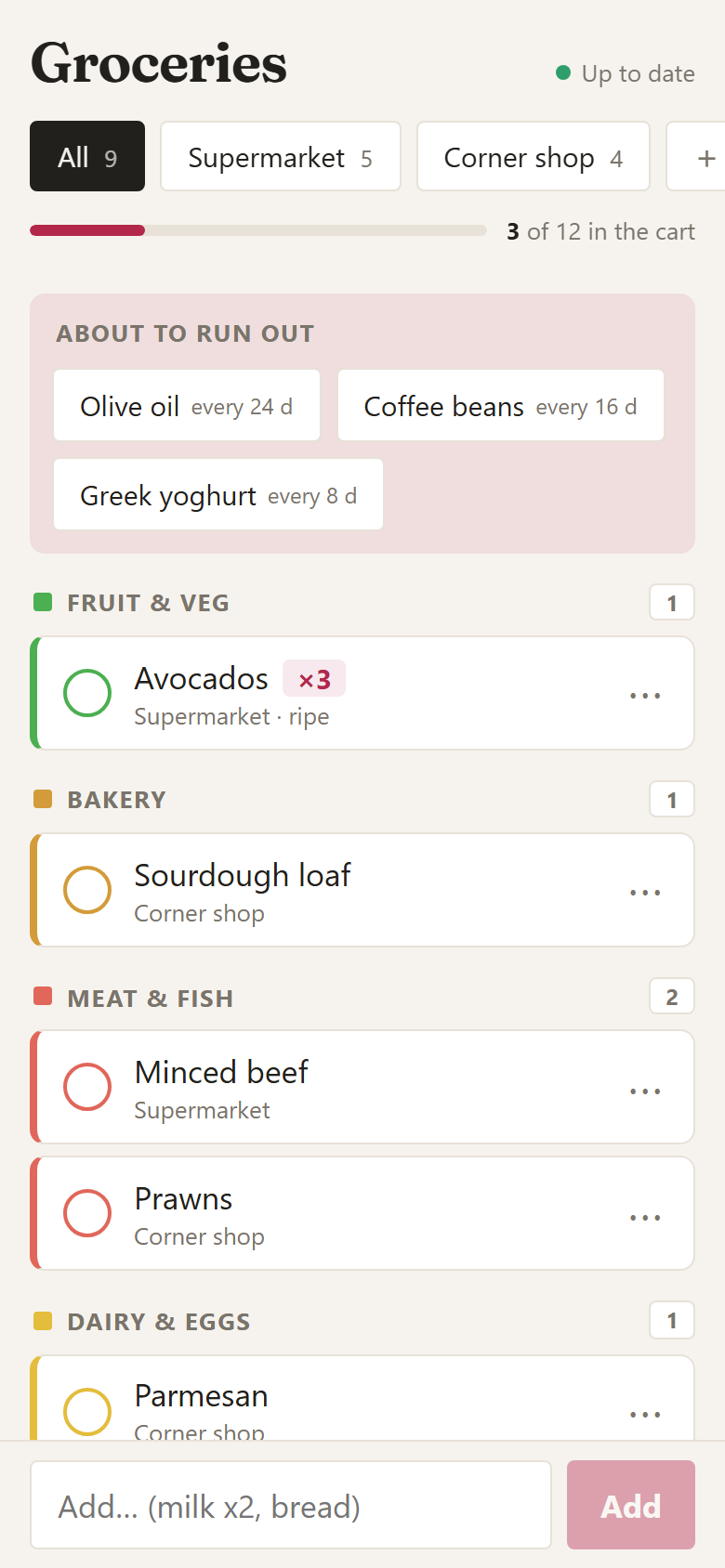
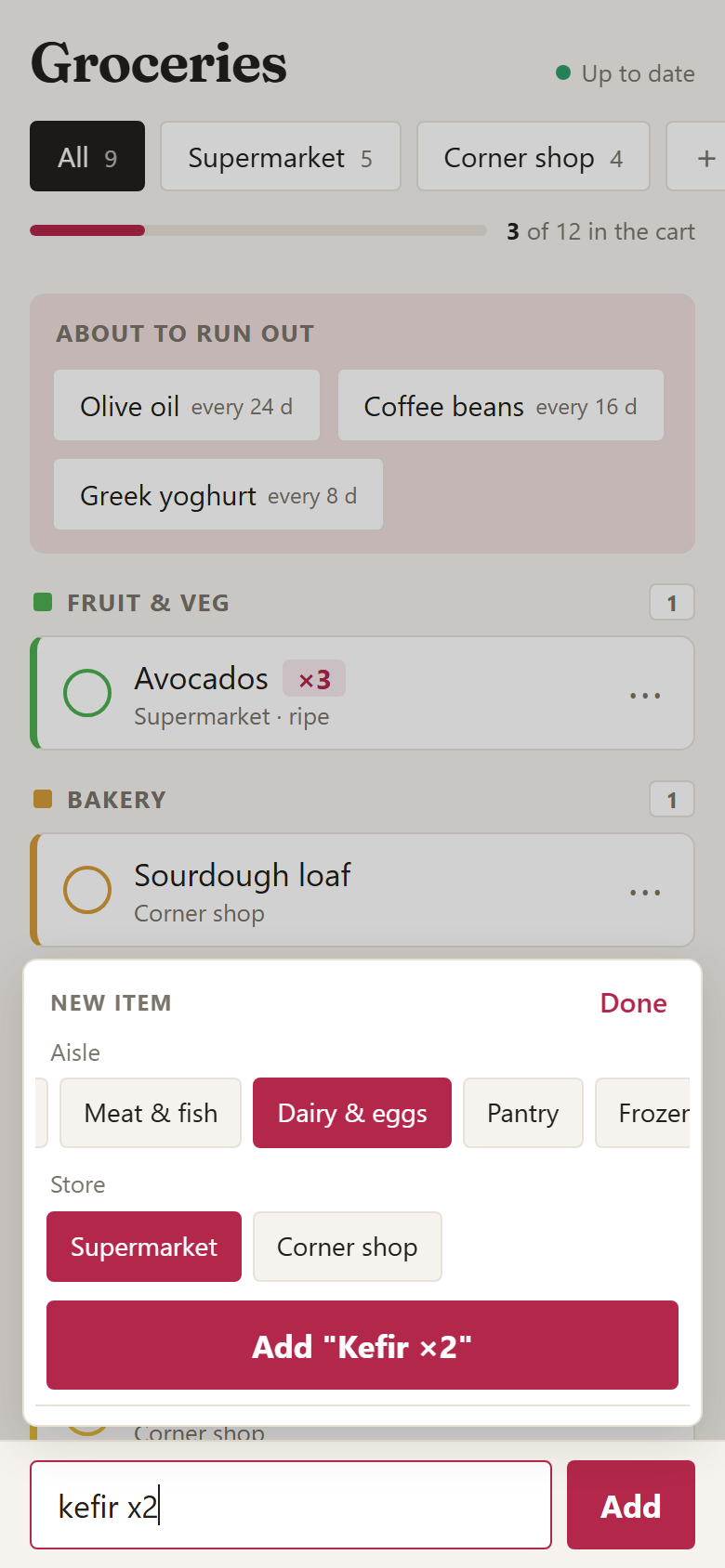
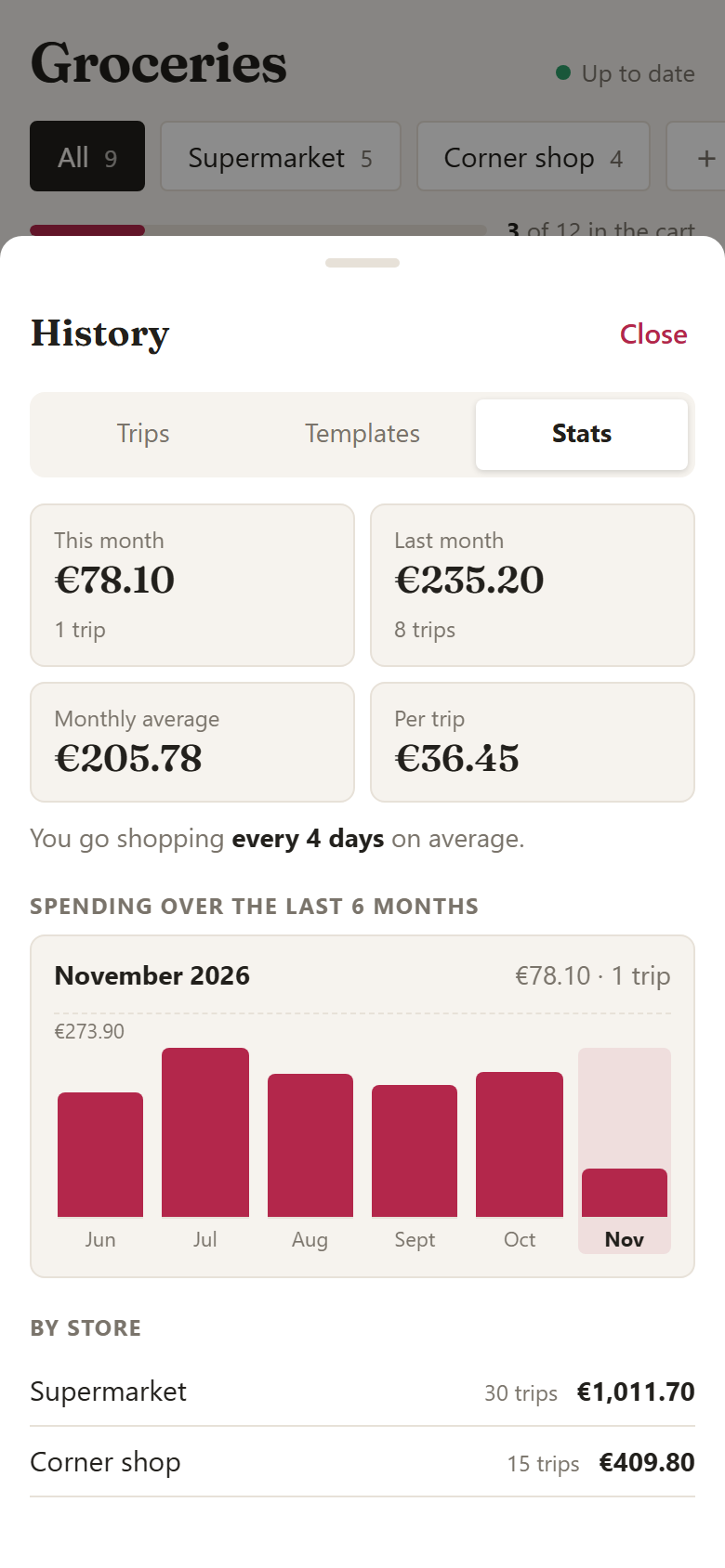
This isn't a service you sign up for: each household runs its own copy. No account, no ads, no analytics.
One Docker container (web app + API) next to PostgreSQL. At home, on a NAS, a Raspberry Pi or a VPS.
git clone https://github.com/davidniin/grocery-list.git
cd grocery-list && docker build -t grocery-list .Found a bug or have an idea? Issues and pull requests are welcome, in English or Spanish: translations, your supermarket's aisles, new features…
View on GitHubThis app is free and always will be. If it's useful to you, you can buy me a coffee to keep it going.
Buy me a coffee